

WPO365 can help to improve the reliability of sending WordPress emails using Microsoft Graph. You can – for example – configure it to log all attempts to send an email in an audit log. Alternatively, WPO365 can pro-actively try and detect if an email failed to send. If that happens, it can retry – up to 3 times – to send the email again.
Perform the steps explained in this video tutorial to improve the reliability and help prevent customers or other types of visitors not receiving emails that they are probably expecting!
Enable Email Logging and Manual Resend (Premium)
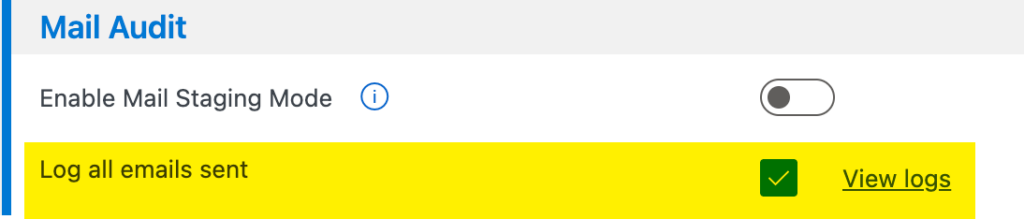
- Enable Log all emails sent.
- Save the configuration.
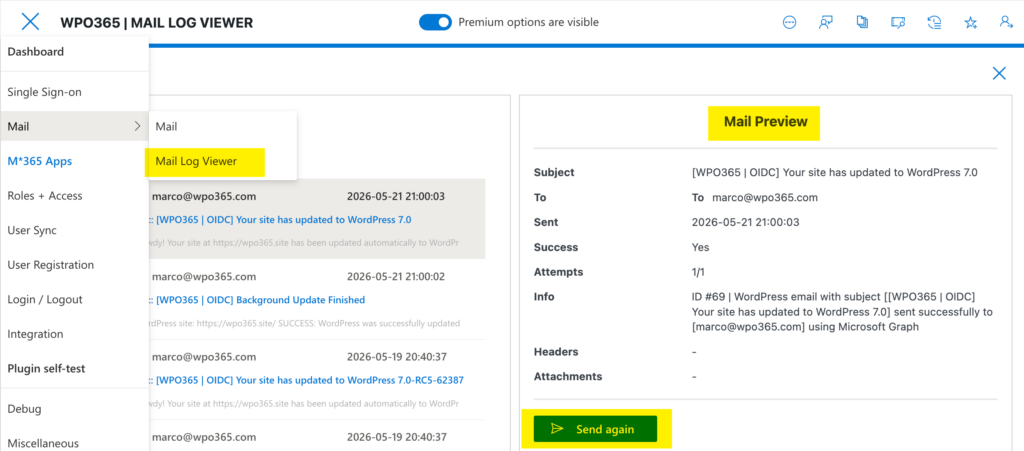
- Open the Mail Log Viewer.
- Review logged emails, including status, headers, and timestamps.
- Use the Resend option for failed or test emails.
Configure Automatic Retries for Failed Emails
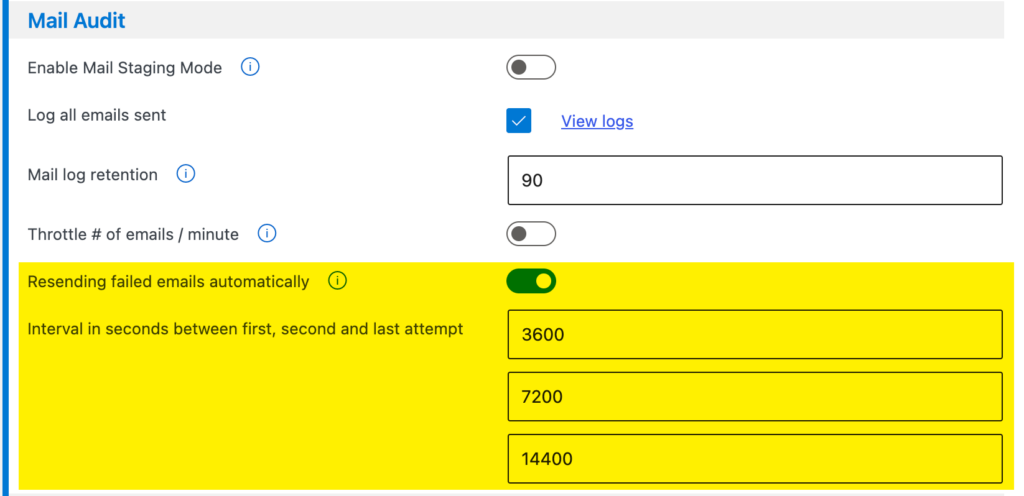
- Enable automatic resend of failed emails as shown below.
- Configure retry attempts (e.g., 3 attempts).
- Configure retry intervals (e.g., 1 hour, 2 hours, 4 hours in seconds).
Info: Ensure that WP-Cron is operational and runs continiously, otherwise retries will not execute.
Auto-retry throttled emails (429 ApplicationThrottled)
When sending emails through Microsoft Graph, especially when large attachments are involved, Microsoft may temporarily throttle requests to protect the service from excessive load. In such cases, Microsoft Graph returns a 429 ApplicationThrottled response.
When the plugin receives a 429 response, it checks whether Microsoft included a Retry-After header in the response. This header specifies how long the sender should wait before retrying the request.
By default, the plugin automatically retries the request if the Retry-After value is 5 seconds or less. The same request will be retried up to three times. If the third attempt also fails, or if the Retry-After period exceeds 5 seconds, the plugin will stop retrying and generate an error instead. In that case, the email will not be sent.
If you have enabled Automatically Resend Failed Emails, the plugin will attempt to send the email again after the configured resend interval. This mechanism operates independently of the immediate retry logic used for 429 ApplicationThrottled responses.
Developers can customize the default retry behavior using the following WordPress filters:
Maximum number of retry attempts
apply_filters( 'wpo365/mail/mg_fetch_max_attempts', 3 );Maximum Retry-After period (in seconds)
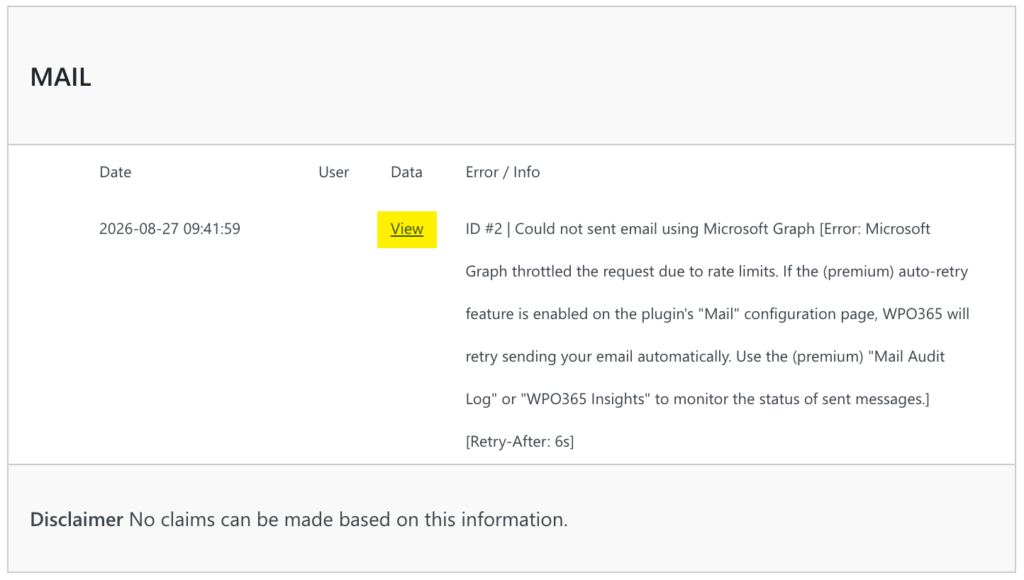
apply_filters( 'wpo365/mail/mg_fetch_max_retry_wait', 5 );When an email fails to send after several retry attempts, additional information is logged to WPO365 | Insights, as shown below. The Retry-After value is saved separately as data (click View).
Prevent duplicate emails
In rare situations, the same email may be triggered more than once in quick succession. To help prevent duplicate delivery, the plugin automatically detects and suppresses duplicate outgoing emails sent within a short time window.