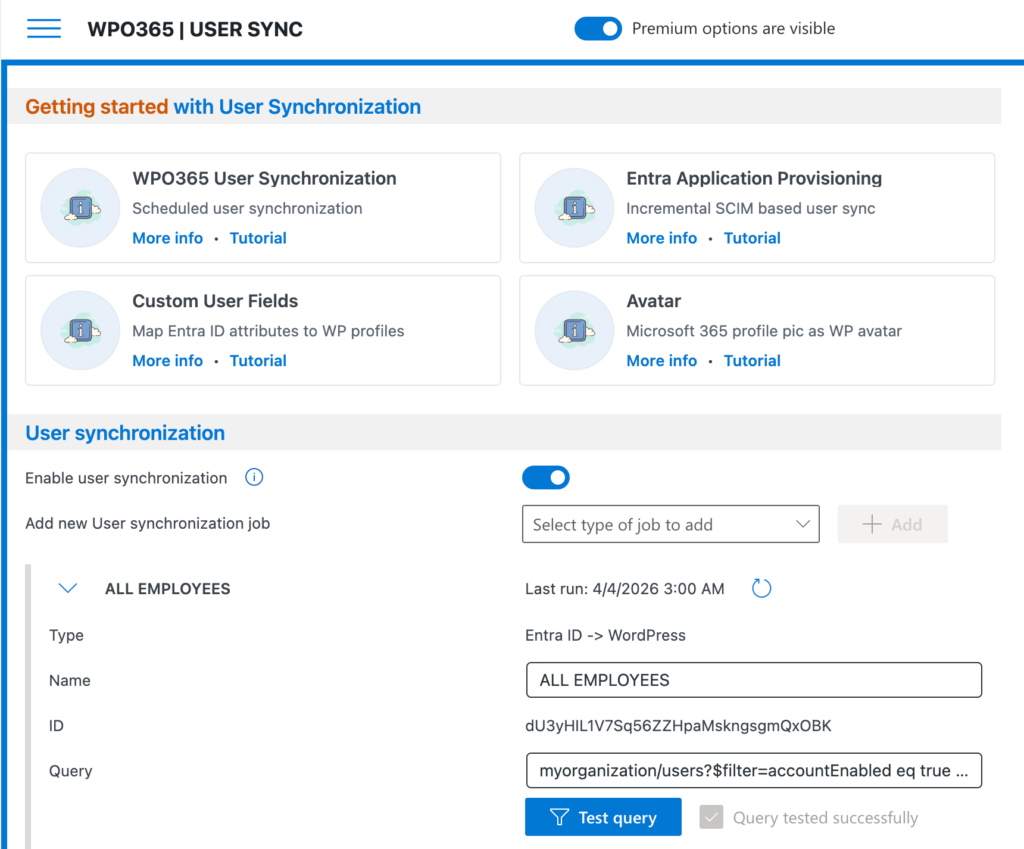
In this tutorial I will explain how to synchronize users from Entra ID to WordPress and help you to automate a number of otherwise error-prone and cumbersome tasks, for example:
- Creating new WordPress user accounts when onboarding users.
- Keeping existing WordPress user accounts up-to-date.
- Deleting or de-activating of WordPress user accounts when offboarding users.
Heads up: The screenshots and UI shown in this written tutorial are from an earlier version and do not yet reflect the updated interface introduced in the release 41.0.
For the most accurate and current walkthrough, please refer to the new video tutorial below, which demonstrates the latest UI step by step.
When WPO365 creates / updates users, you can also configure it to enhance WordPress users.
- Roles + Access Assign WordPress roles based on the user’s Azure AD group memberships
- Custom User Fields Synchronize advanced user attributes from Azure AD e.g. mobile phone, employee ID
- Avatar Update a user’s WordPress avatar with the user’s Azure AD profile picture